Navigation
To access the Course Creation interface:
1. Using the Toggle Menu Bar:
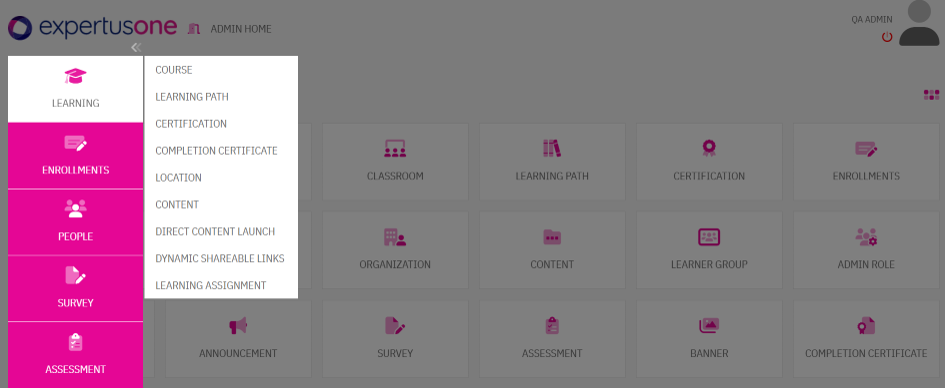
- From the landing page or home page, click the toggle menu bar (double chevron right icons).
- Navigate to Learning → Course to open the Course Listing Page.
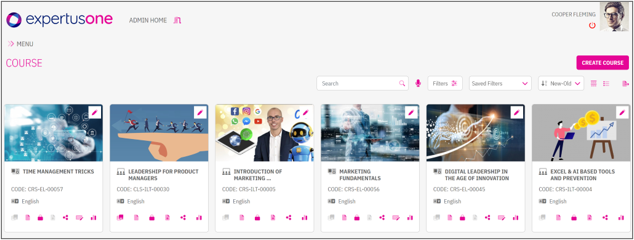
- Click the Create Course button in the top-right corner to access the Create Course Page.
2. Using Quick Access:
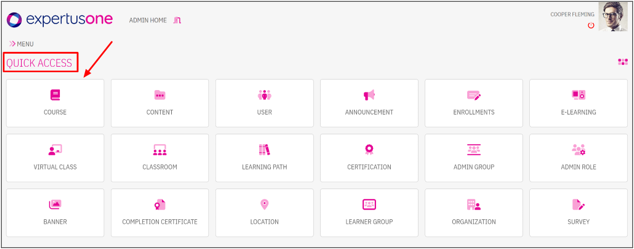
- On the landing/home page, locate the Quick Access menu.
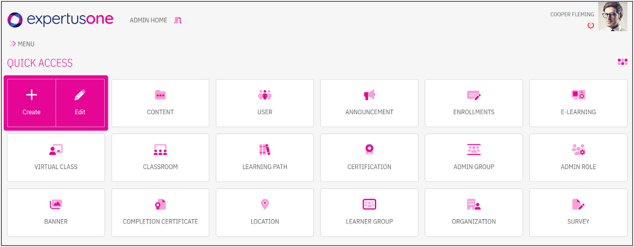
- Hover over Course to display two options:
- Create: Opens the Create Course Page.
- Edit: Opens the Course Listing Page on the Published tab.
- The system also provides quick options to directly create an E-learning, ILT, or VC class.
-
- Select ‘Create’ to create a new course or ‘Edit’ to access the list of existing courses